
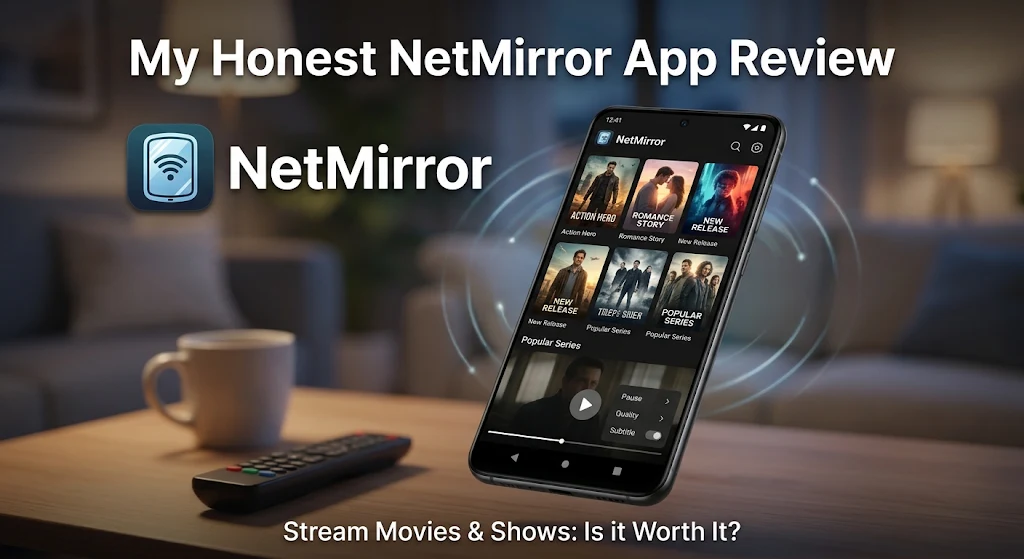
NetMirror App Review: My Honest Experience After Using It
Finding a reliable streaming app that does not drain your wallet every month is something almost every movie and series lover looks for. With so many unofficial streaming apps floating around online, it is hard to tell which ones actually work smoothly and which ones are just a waste of storage space.
First Impressions and Interface
The very first thing I noticed after opening the NetMirror app was how familiar the layout looked. If you have ever used major subscription streaming platforms, you will understand how NetMirror works within five seconds.
The home screen is built around a clean grid of movie and show posters. You scroll sideways through horizontal rows to explore different categories, and scroll downward to browse deeper into the catalog. There is no confusing clutter or complicated menu system blocking your screen. Everything feels designed to get you from opening the app to playing a video as quickly as possible.
Even on a mid-range Android phone, the interface responded without lag. Covers loaded neatly, and tapping into a title opened its details page right away.
Browsing, Search, and Content Organization
A big library means nothing if you cannot find what you want to watch. During my time using the app, I tested both casual browsing and targeted searching:
- Genre Tabs: Titles are neatly separated into sections like Action, Comedy, Drama, Horror, Romance, and Kids. When I did not have a specific movie in mind, switching between these tabs made it easy to pick something based on my mood.
- Built-In Search Bar: Typing a title into the search bar brought up quick matches. Even when I only typed half the name of a series, the results narrowed down accurately without forcing me to scroll endlessly.
- Lightweight Performance: The APK file itself is small and does not eat up gigabytes of internal storage. For users with older phones or limited free space, this is a noticeable advantage over heavy official streaming apps.
Video Playback and Streaming Quality
Once you pick a movie or episode, the actual viewing experience is what matters most. Here is how NetMirror performed during real playback sessions:
- Adjustable Resolution: One of my favorite practical features is the ability to switch video quality. When I was on mobile data, lowering the resolution kept playback smooth without burning through my data package. When I switched back to Wi-Fi, bumping the quality up gave a much sharper picture.
- Simple Player Controls: The built-in video player sticks to the basics—play, pause, 10-second skip forward/backward, volume control, and full-screen toggle. It does not overwhelm you with unnecessary buttons.
- Subtitle Availability: Subtitles worked well on several popular titles I tested, which is great for watching international shows. However, subtitles are not guaranteed on every single video. Older or lesser-known uploads occasionally lacked subtitle tracks altogether.
Where NetMirror Falls Short (The Honest Downsides)
No app is perfect, especially unofficial third-party APKs. While my day-to-day streaming experience was mostly smooth, I ran into a few clear drawbacks that you should know about:
- Inconsistent Server Reliability: Because NetMirror does not run on official commercial infrastructure, server stability can be hit-or-miss. A show that plays instantly today might buffer or fail to load next week if a link goes down.
- Annoying Ads and Pop-Ups: Free unofficial apps rely on ads to stay running. While browsing or starting a stream, occasional pop-ups appeared. One careless tap can redirect your browser to sketchy third-party pages, which gets frustrating quickly.
- Manual Updates: Since the app is not hosted on the Google Play Store, it will not update automatically in the background. Whenever an older build stops working properly, you have to hunt down a newer version yourself.
Safety, Privacy, and Legal Reality Check
Before you rush to download any APK from the web, it is worth stepping back and looking at the bigger picture.
First, download sources matter hugely. Because NetMirror is not listed on Google Play, dozens of copycat websites host modified versions of the file. Some of those sites bundle adware or harmful code inside the installer. When I tested the app, I made sure to scan the APK file with an antivirus tool first and checked the app permissions during installation. A video player has zero reason to ask for access to your contacts, SMS, or call logs—if an installer asks for those, cancel it immediately.
Second, there is a legal gray area. Unofficial streaming apps often pull streams without official licensing agreements from content owners. Depending on where you live, streaming copyrighted material from unverified sources can violate local regulations. Using a VPN may mask your IP address, but it does not magically make an unverified app safe or change copyright laws.
NetMirror Pros and Cons at a Glance
| Pros | Cons |
| Clean, familiar poster-style interface | Not available on the Google Play Store |
| Small file size that runs well on older phones | Servers and links can go offline without warning |
| Video quality options help save mobile data | Pop-up ads can redirect to unsafe pages |
| Fast search and organized genre tabs | Subtitles are missing on some titles |
| No monthly subscription fee | Privacy and copyright risks from unofficial sources |
Frequently Asked Questions (FAQs)
Is NetMirror really free to use?
Yes, you do not have to pay a monthly subscription fee or create a paid account to browse and watch content inside the app. However, you do deal with in-app ads.
Can I install NetMirror on an iPhone or iPad?
No. NetMirror is distributed as an Android APK file, which only works on Android smartphones, tablets, and compatible Android TV devices. Any website claiming to offer an iOS APK is fake.
Why does NetMirror sometimes stop loading videos?
This usually happens when a streaming server goes down, your app version is outdated, or your internet connection drops. Clearing the app cache or switching to a lower video quality often fixes minor playback glitches.
Is NetMirror completely safe for my phone?
A clean, unmodified APK carries lower risk, while fake copies from spammy websites can contain malware. Always scan the APK before installing, review permissions carefully, and disable “Install unknown apps” in your phone settings once you finish.
Final Verdict: Should You Use NetMirror?
After spending time actually using the NetMirror app, my honest takeaway is straightforward: from a pure usability standpoint, it works surprisingly well. The interface is clean, the search is fast, the app stays light on phone storage, and the quality switcher is genuinely useful when managing mobile data.
At the same time, you cannot ignore the trade-offs. Unpredictable server uptime, intrusive pop-up ads, and the security risks of downloading APKs outside official app stores are real downsides. If you value rock-solid reliability, zero malware risk, and full legal peace of mind, sticking with official, licensed streaming platforms—many of which now offer free ad-supported tiers or affordable mobile-only plans—is always the smarter long-term choice.